A GUI piece wise linear waveform editor.
A simple GUI waveform editor for creating piece wise linear (PWL) waveforms for SPICE simulation.

A simple GUI waveform editor for creating piece wise linear (PWL) waveforms for SPICE simulation.
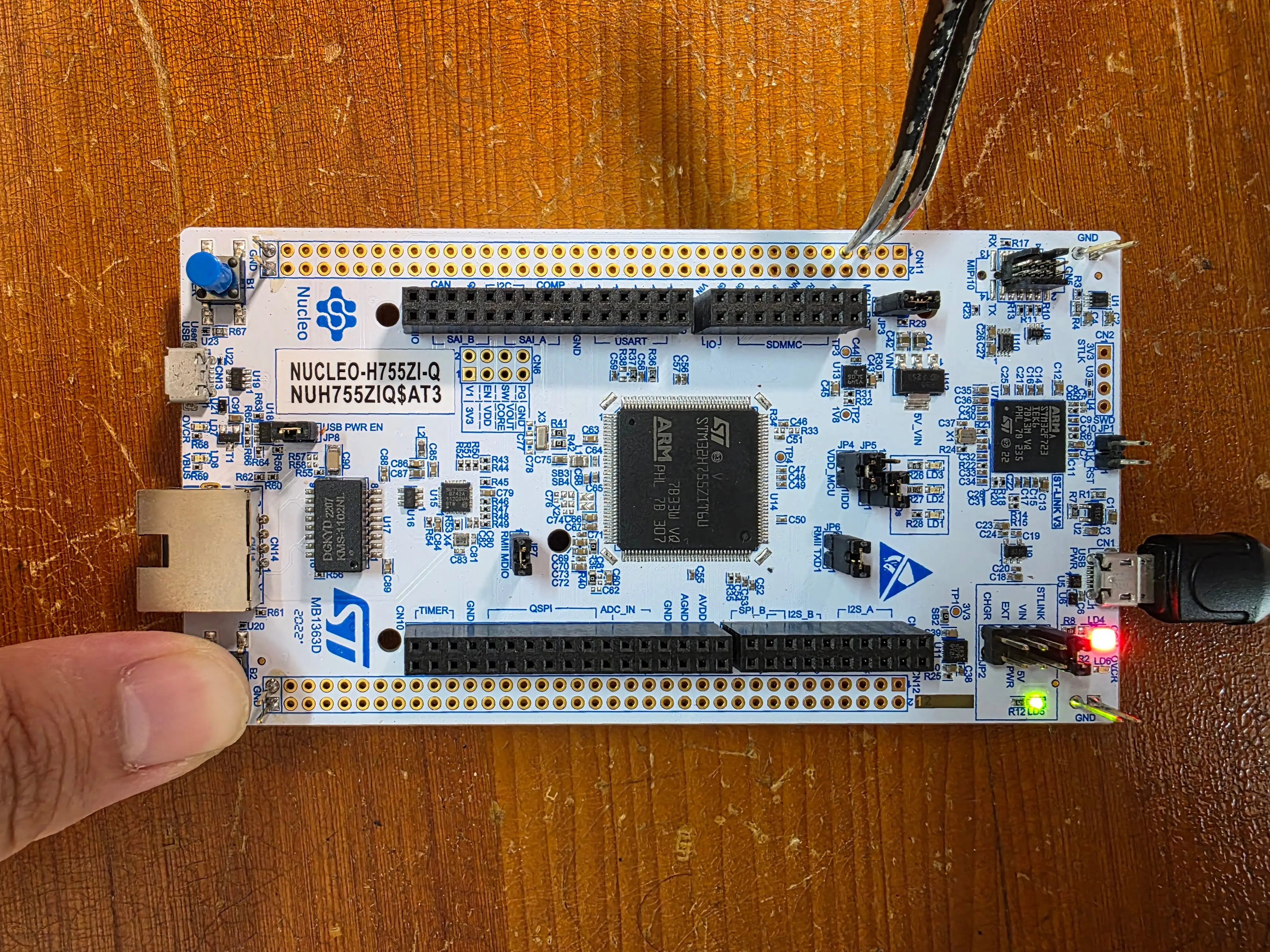
Debugging a dual-core STM32 microcontroller requires some effort to setup. In this article, I will briefly go over the process of setting up VSCode (with STM32Cube Extensions) to debug a dual-core STM32H755ZI microcontroller. The development board that I am using is the Nucleo-H755ZI, which has a built-in STLINK V3. I will focus on the problems that I ran into and the solutions to them.
In MCU projects, we often need to execute a piece of code regularly. For example, reading a sensor every few milliseconds or toggling an LED every second. Naively, we will use delay to achieve this effect. When there are multiple things going on the project with different periods, it becomes hard to manage with delay. Furthermore, delay blocks the CPU and we cannot perform other tasks during the delay. This is where timer comes in handy. We can achieve precise timing without blocking the CPU. In this blog, I will go through the basics of using pico_time API on the Raspberry Pi Pico to execute code regularly.

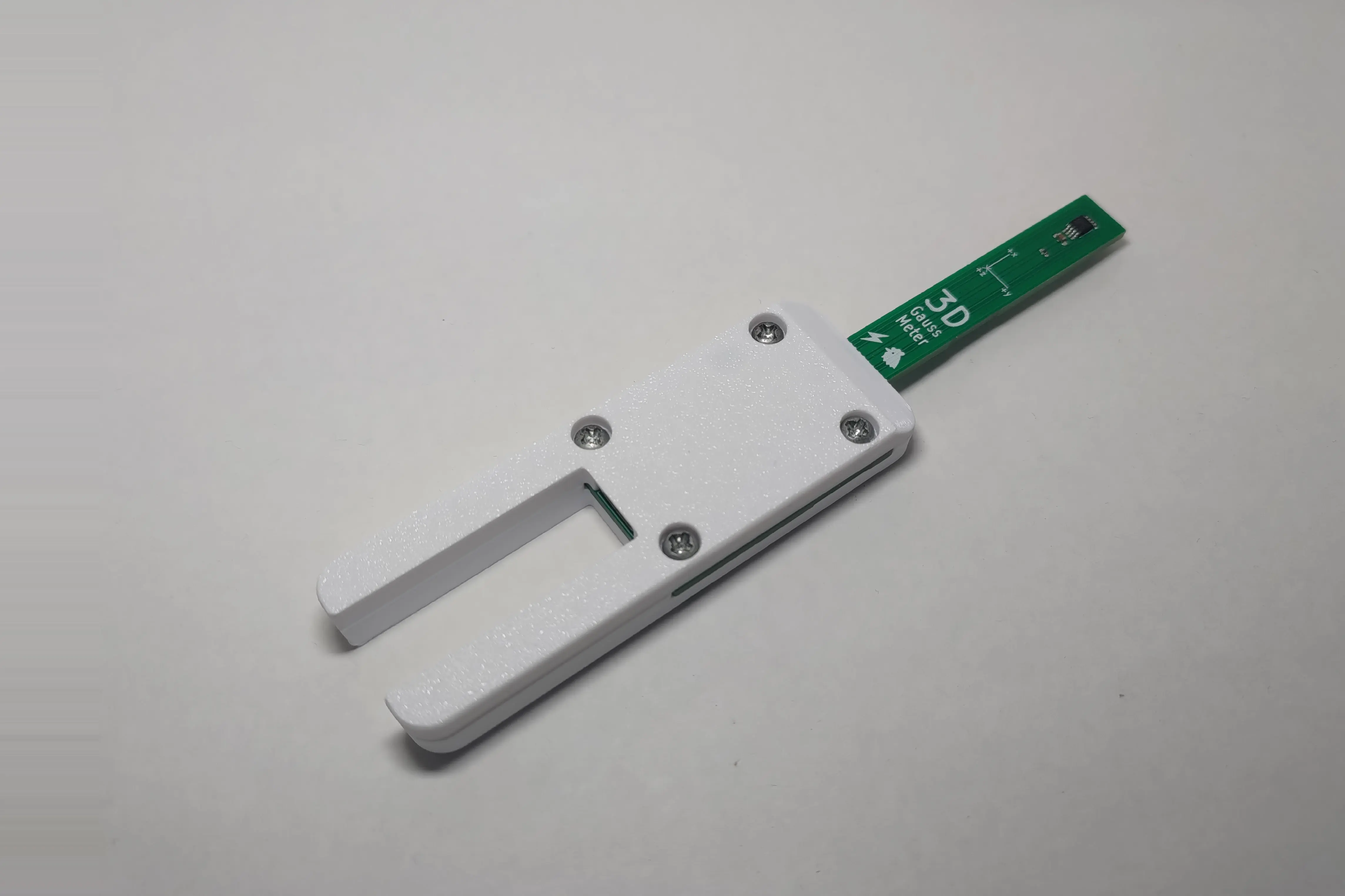
A USB 3D-Gauss Meter based on Texas Instrument's TMAG5170 Hall Sensor.
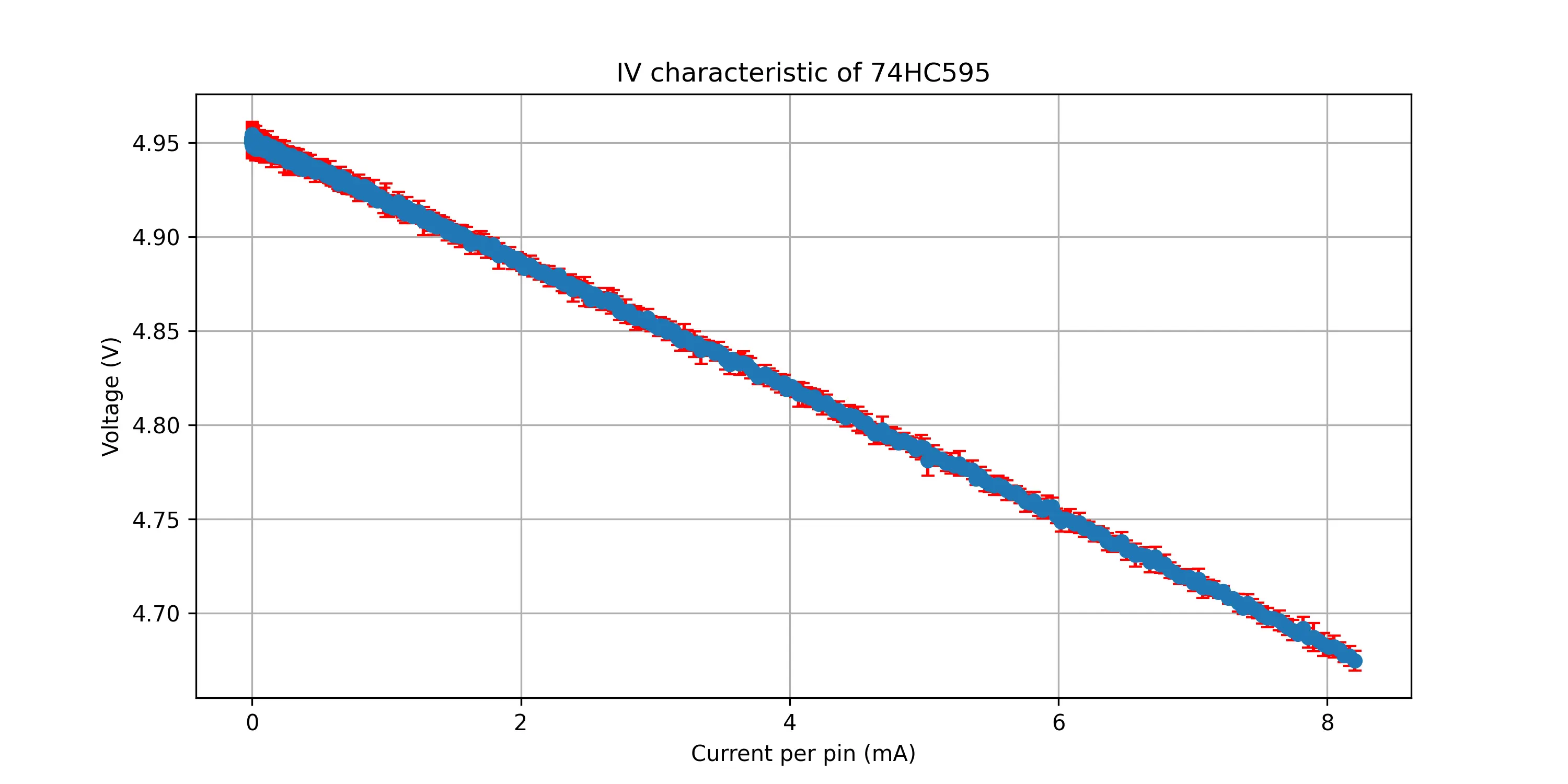
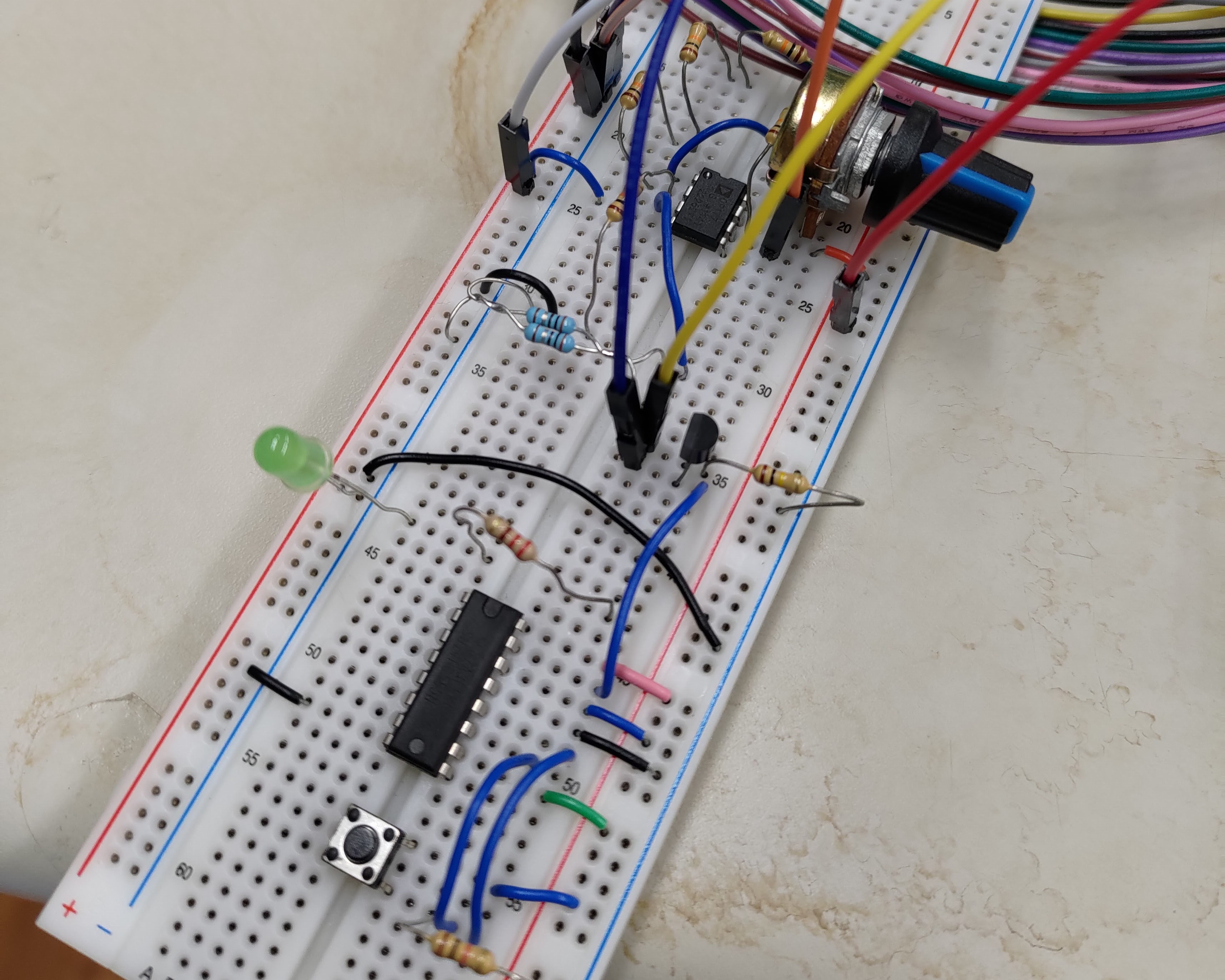
The 74HC595 is one of the most common logic ICs out there, especially in the Arduino community. It is often utilised to drive multiple LEDs with serial input. A project of mine used it drive multiple LEDs. I found that the LED brightness reduces when too many of them are on. This made me wonder how much current can this IC actually supply. I measured the IV curve of the output of the 74HC595 last year. But I found that the measurement was kind of flawed. Therefore, I measured it again in this blog and documented the details in my setup.
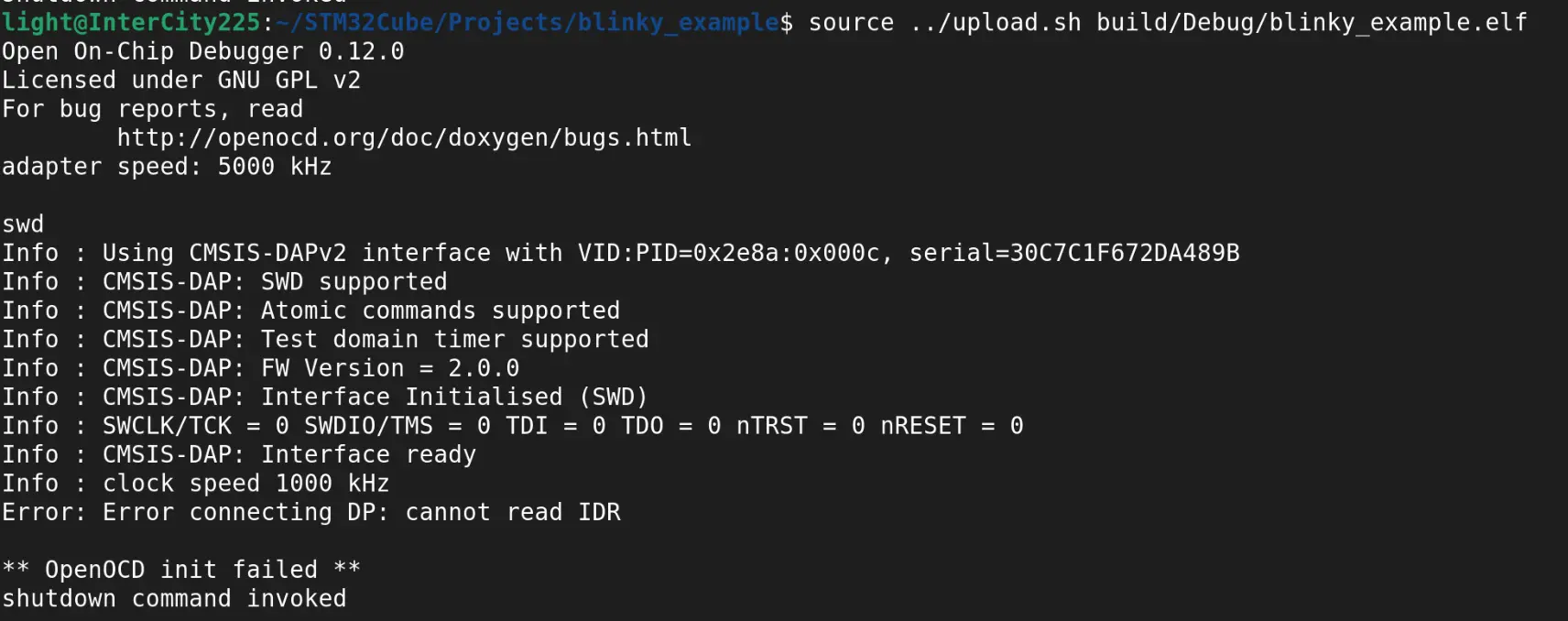
I accidentally bricked my STM32 when uploading compiled binaries to it. I used a Raspberry Pi Pico 2 and the official CMSIS-DAP firmware with OpenOCD. After some messing around, I found the way to un-brick it and how to prevent bricking.
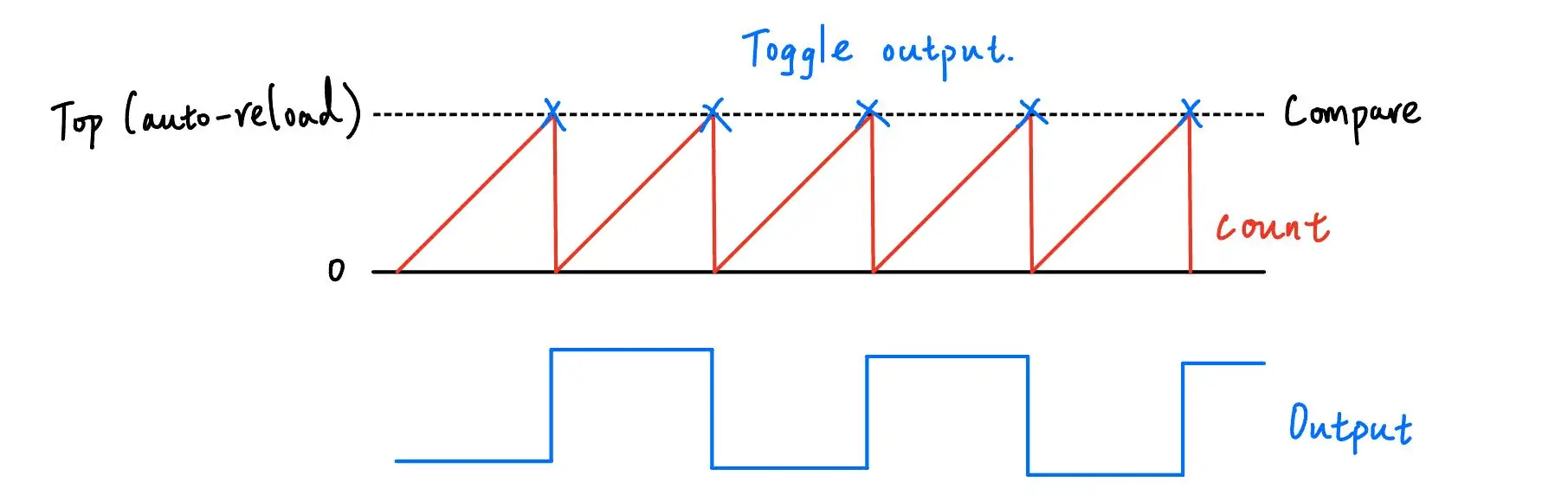
I was working on controlling some stepper motors on a robot. I wanted to control them with an STM32. The STM32 is controlled by a Raspberry Pi 5 with SPI. To generate the periodic signal for the stepper driver, I used the timer peripheral on the STM32. I this blog, I will go through the basics of the timer peripheral and how I set it up for this usage.
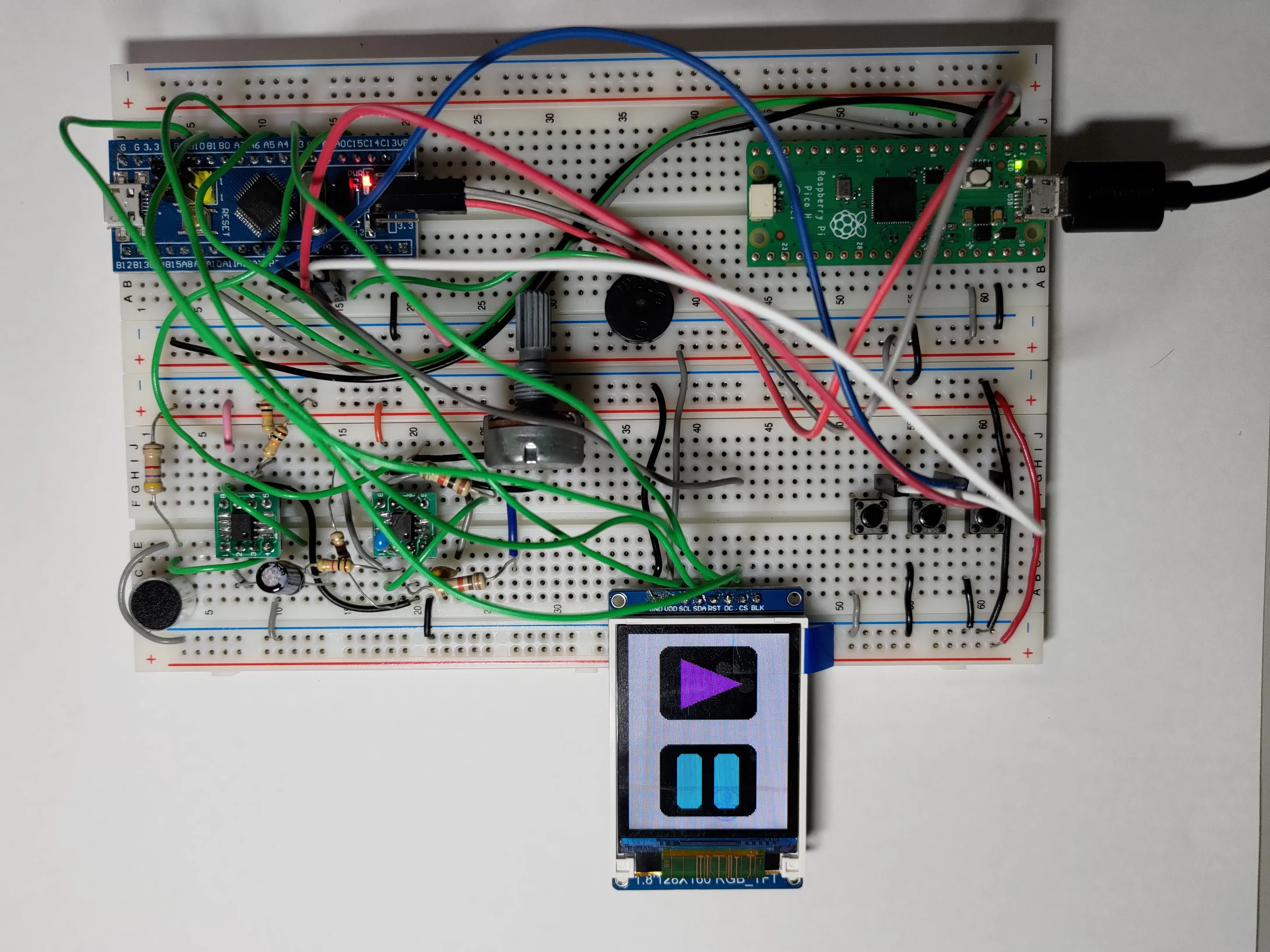
I was working with the ST7735 screen in a project at NTHUEE 822 Maker Space. We were controlling the screen with an STM32F103C8T6 Blue Pill and Adafruit's ST7735 & ST7789 library. And we ran into a very interesting bug, which was caused by the value of "pins" in the STM32 Arduino core. In this article, I will explain the cause of the bug and the workaround for current version of the libraries.
The 74HC595 shift register is one of the most popular 74 series IC these days. It is often used to convert serial data into parallel and drive LEDs. A project of mine used it drive multiple LEDs. This made me wonder how much current can this IC actually supply. Therefore, I did some testing on the driving capability of the 74HC595 shift register.
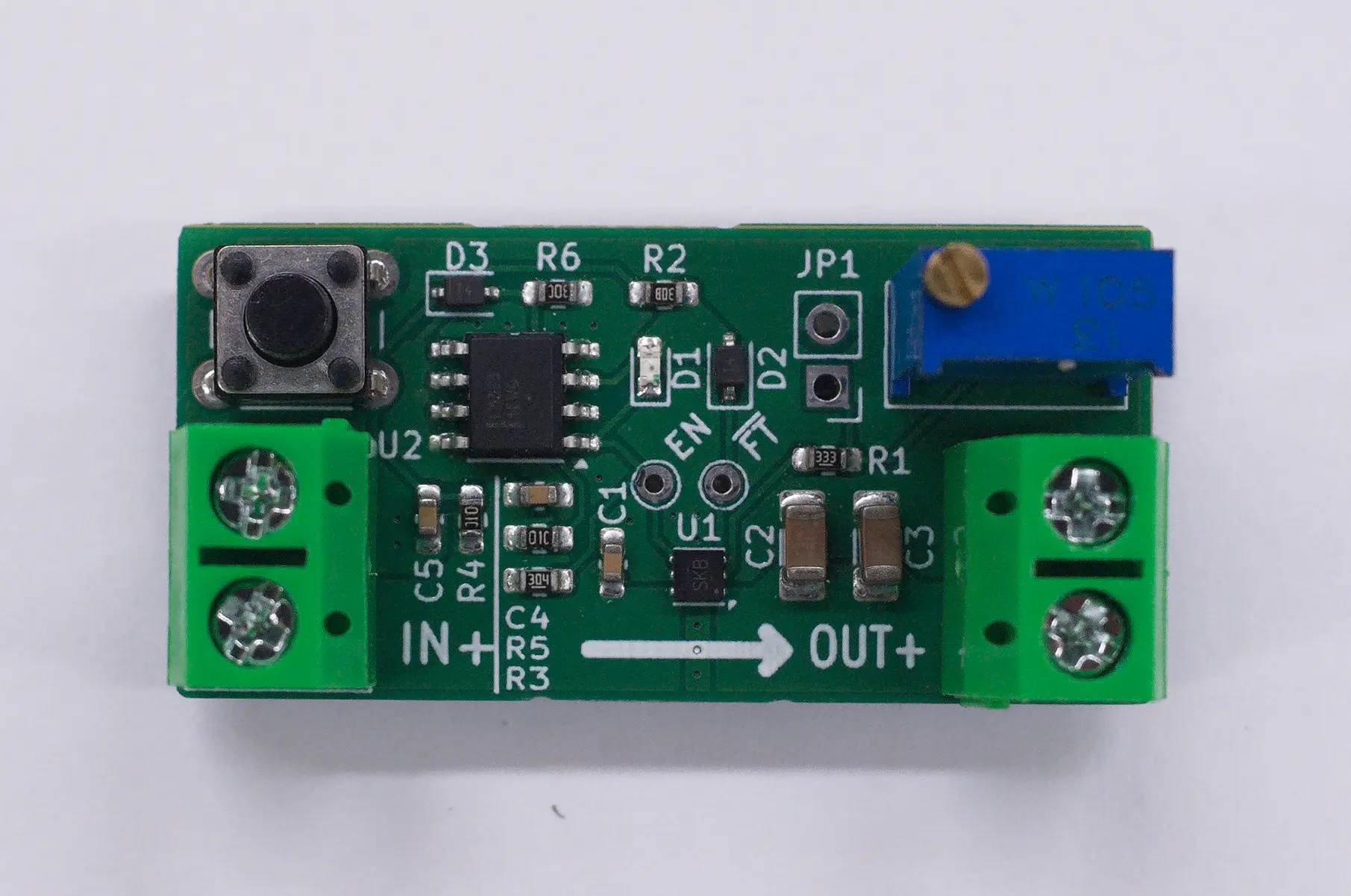
An electronic, re-settable fuse module to protect your circuit from drawing too much current.